Short answer: a website for a language school should work like a course catalogue. Every language, level, exam and format gets its own page with hours, timetable, next start date, price and an enrolment form. Learners should be able to check their level, see who teaches them and sign up without having to phone to find out the basics.
How do learners search for a course?
Searches are specific: “German A2 evening course [city]”, “IELTS preparation online”, “English for kids Saturday”, “Spanish one-to-one lessons”. Some name an exam, such as IELTS, Cambridge English, TOEFL, Goethe-Zertifikat or DELF. Others name a goal, such as a job abroad, university admission or a citizenship requirement. Parents search on behalf of children, and HR managers search for group training for staff.
A site with one page listing “English, German, French, Italian” can’t match any of those searches. A site with a page for “German for beginners (A1)”, another for “Goethe B1 exam preparation” and another for “Business English for companies” can. Each page is also more persuasive, because it talks to one kind of learner.
Learners also compare. They open three schools and look at the same things: hours per week, group size, start date, price, location or online, and whether there’s a trial lesson. Whoever answers those questions most clearly on the page usually gets the enquiry.
Building the course catalogue
Before the design, we map your courses into a simple grid: language × level × format × audience. That grid becomes the menu and the URL structure. A good course page includes:
- the level, using the CEFR scale (A1–C2) if you teach to it, with a plain-language description
- total hours, sessions per week, group size and duration
- format: group, one-to-one, online, hybrid
- materials, and whether they’re included
- price, or what it depends on
- the next start dates and timetable
- what certificate the learner receives, and whether it’s your own or an external exam
- an enrolment form, or a trial lesson booking
A short level check or placement test page helps learners who aren’t sure where they fit. It can be a self-assessment, a link to your online test or a form requesting an assessment call.
What convinces parents, adults and companies?
Parents want to know who teaches their child, how groups are formed by age, how progress is reported and what happens with missed lessons. Teacher profiles with qualifications and languages spoken matter here.
Adult learners care about schedule flexibility, location or online access, and whether the course leads to a recognised certificate.
Companies want a page about in-house or online group training, needs assessment, progress reports and invoicing.
Accreditations count only if you hold them. In the UK, for instance, some schools are accredited by the British Council. Others are authorised exam centres, which exam boards list publicly, as Cambridge English does in its centre finder. List the bodies you’re genuinely recognised by and link to their records where possible.
Example: Optimus Center, Vratsa
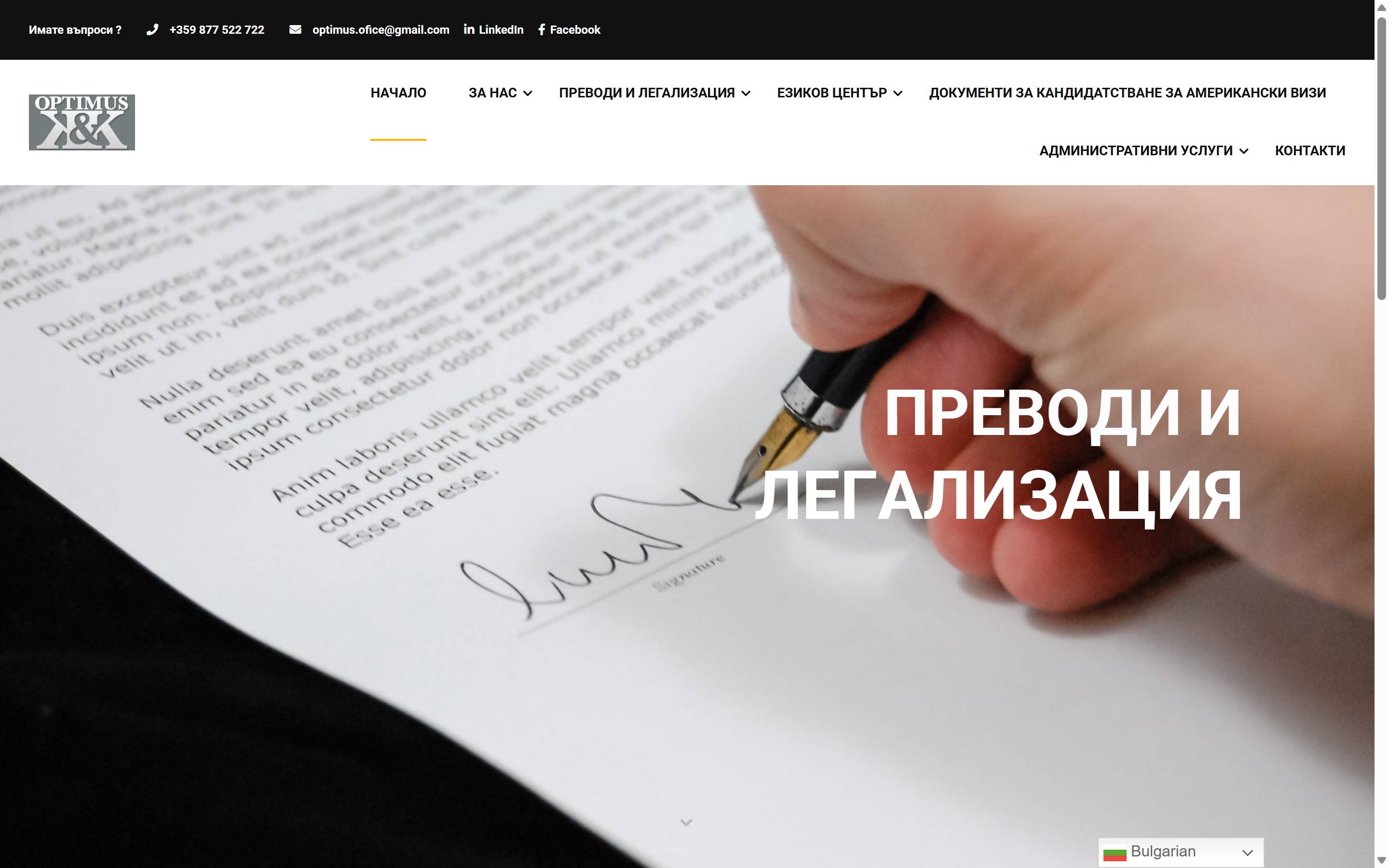
optimuscenter.com is a site we built for a translation agency and language centre in Bulgaria. It teaches several languages in groups, one-to-one and online, and runs foreign-language certificate exams. Courses, translation and administrative services sit in one menu of nearly 30 items, each language has its own page, and the home page carries an “Enrol now” form and a countdown to the next session. The case study shows how the structure works.
Common mistakes, and what to prepare
Language school sites often hide timetables in PDFs, show start dates from last year and use one enrolment form for everything, so you can’t tell which course someone wants. Teacher pages are often missing even though they’re often decisive.
Before the build, prepare a spreadsheet of your courses (language, level, hours, format, price, start dates), short teacher bios, your policies on missed lessons and refunds, and any exam centre or accreditation details.
There is no upfront fee: the plan is €150 a month excl. VAT for 24 months (about £130 / $175), and sites usually go live 7–10 days after we receive the content. Read about web design, the website as a service model, or check the full pricing.