Short answer: A restaurant or café website should let someone on a phone see the menu, check you’re open, find you and book or order within a minute. That means a real text menu with prices, hours that match your Google listing, accurate allergen notes, fast photos, and booking and ordering buttons that don’t hand every sale to a third party.
What does a hungry person check first?
Restaurant searches are some of the most local and immediate on the web: “brunch near me”, “pizza open now”, “vegan restaurant [area]”, “best tapas in [city]”, or simply your name. Most start on Google or Maps, where your Business Profile shows photos, reviews and opening hours, then a tap on “Menu” or “Website”. Tourists and visitors do the same, often in English even in a non-English city, so an English menu can matter more than you’d expect.
On your site they look for the menu first, then prices, hours and whether they can book. The classic mistake is a scanned PDF menu: slow to open on mobile data, unreadable without zooming, invisible to search engines and usually out of date. A proper text menu, with sections, prices and dietary marks, loads instantly and lets Google match searches like “gluten-free pasta [town]” to you.
The second mistake is disagreement between sources. If your Google listing says you close at 11 and your website says 10, people stop trusting either. On the care plan we change holiday hours, menus and prices on the site when you send them, so you only have to update your Google listing alongside.
Menus, allergens and keeping them in sync
Across the UK and EU, food businesses must give customers information about 14 major allergens. The UK rules are set out in the Food Standards Agency’s allergen guidance; in the EU the list comes from Regulation (EU) No 1169/2011. The exact way you must provide it for food you serve differs by country. Your website can’t replace that duty, but it can help. Mark dishes with the allergens they contain, add a visible line asking guests to tell staff about allergies, and offer a downloadable allergen matrix if you keep one.
The risk is an outdated menu. When a supplier or recipe changes, the website has to change with it, or it’s giving wrong information about exactly the thing people rely on. Keep one master menu, date it, and send updates the same day the kitchen changes.
Should you take bookings and orders through your own site?
For most restaurants, yes, at least as an option. Delivery apps and booking marketplaces bring new customers, but they charge per order or per cover and keep the relationship. A “Book a table” button in the header, connected to the reservation system you already use (OpenTable, TheFork, ResDiary or similar), and a direct ordering link for collection, give regulars a cheaper route to you.
Look beyond tables too. Private dining, group bookings, events and gift vouchers often bring more per enquiry than a normal booking, yet many sites hide them. A short enquiry form for groups, and a page for set menus or functions, can be some of the most useful pages on the site.
The project we’d point you to
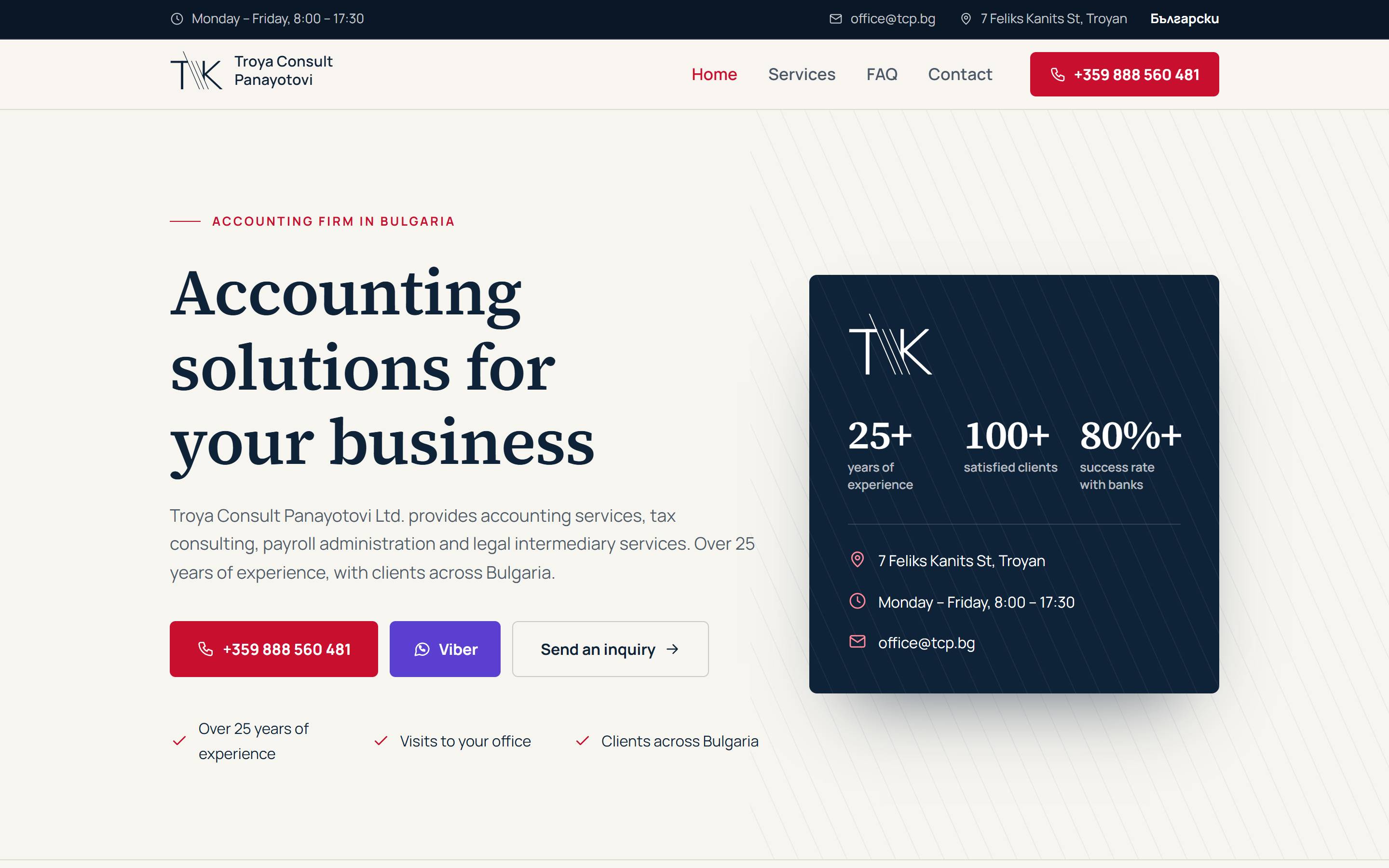
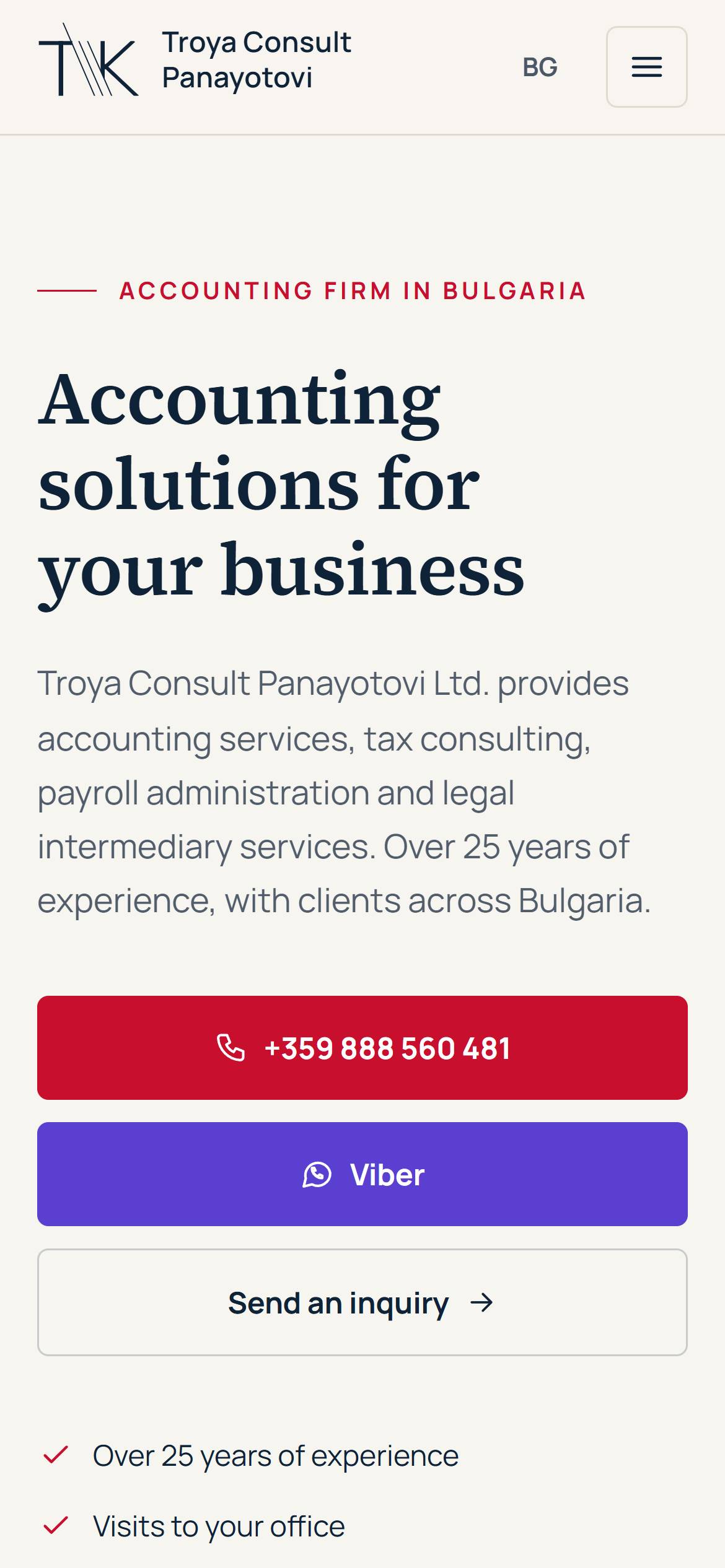
Our portfolio doesn’t include a restaurant. The closest live example is Troya Consult, a firm in Troyan whose site puts the three ways to get in touch (call, Viber or an enquiry) on the home page. On phones, a call bar stays at the bottom of the screen, and the contact page shows working hours and a map of the office. A restaurant site needs the same thing: hours, location and a way to book, one tap away.
Before the build, gather your current menu as text, opening hours (including seasonal changes), booking and ordering links, 15–20 good photos of dishes and the room, and your allergen information. Once those arrive, most sites are live in 7–10 days, and the plan costs €0 upfront, then €150 a month excl. VAT (around £130 or $175).
See how the pay monthly website plan works, what speed and local SEO involve, or ask for a proposal.