Short answer: a locksmith’s website has to earn trust in seconds from someone who is stressed and wary. That means a real person and a real local address, honest prices before the call, a tap-to-call button that never scrolls away, and proof of the approvals and insurance you genuinely hold.
Why trust comes before everything else
Locksmithing has a reputation problem that isn’t the fault of good locksmiths. Search for “locksmith near me” and the results often mix genuine local firms with national call centres that pass the job to whoever is free, sometimes at a price that only appears on the doorstep. Many customers know this, and it changes how they read your site.
They aren’t asking “is this locksmith good?” first. They’re asking “is this a real local person, and will I be ripped off?” So the most important parts of the page are the ones that answer that:
- A named person. “Hi, I’m Dave, I run [your business name] from Hove” beats “Our expert technicians” every time. Add a photo of you and the van.
- A real address. The same address and number as your Google Business Profile, so the listing and the site confirm each other.
- Local proof. Photos of real jobs with the town named: a new mortice lock on a Victorian front door in Brighton, a uPVC mechanism replaced in Worthing.
- One number. A number you or your team actually answer, shown the same way everywhere.
None of this needs clever design. It needs honesty presented clearly, which is exactly what the cowboys can’t fake.
What should a locksmith say about prices?
Price is the question people are most afraid to ask, so answer it before they ring. Explain whether you charge a call-out fee or a minimum charge, how labour is billed, and what parts typically cost (a standard euro cylinder versus an anti-snap one, for example). Say what changes in the evening, overnight and at weekends.
If some jobs can only be priced on site, say how you handle that: “We quote before we start, and you can say no.” That one sentence answers the doorstep-price fear directly. Avoid “from £0 call-out” or anything that turns out to mean something else once you arrive. It brings in calls, and then complaints and bad reviews.
Lock-outs, lock changes and security upgrades are different customers
The lock-out customer needs a number and an arrival time. The person who has just moved house wants their locks changed this week and is comparing quotes. The homeowner after a burglary wants advice on better locks, door chains, window locks or a safe, and wants to understand what insurers expect.
Give each of these a short page of its own rather than one long list of services. A lock-out page should be short and practical: what to do while you wait, what ID you’ll ask for before opening a door (good locksmiths check, and saying so builds trust), and what it usually costs. Security upgrade pages can be longer and more explanatory, because those customers read before they decide.
Approvals and insurance: show what you hold
In the UK, locksmiths don’t need a licence by law, which is exactly why customers look for voluntary proof such as membership of a trade association or an approved-locksmith scheme, a criminal record check and public liability insurance. Some US states and countries do license locksmiths, and in that case your licence number belongs on the site.
Whatever applies to you, list it plainly with numbers people can check, and link to the scheme’s public register if it has one. Never show a logo of a scheme you’re not part of. Customers check, and so do competitors.
A site we built around one quick action
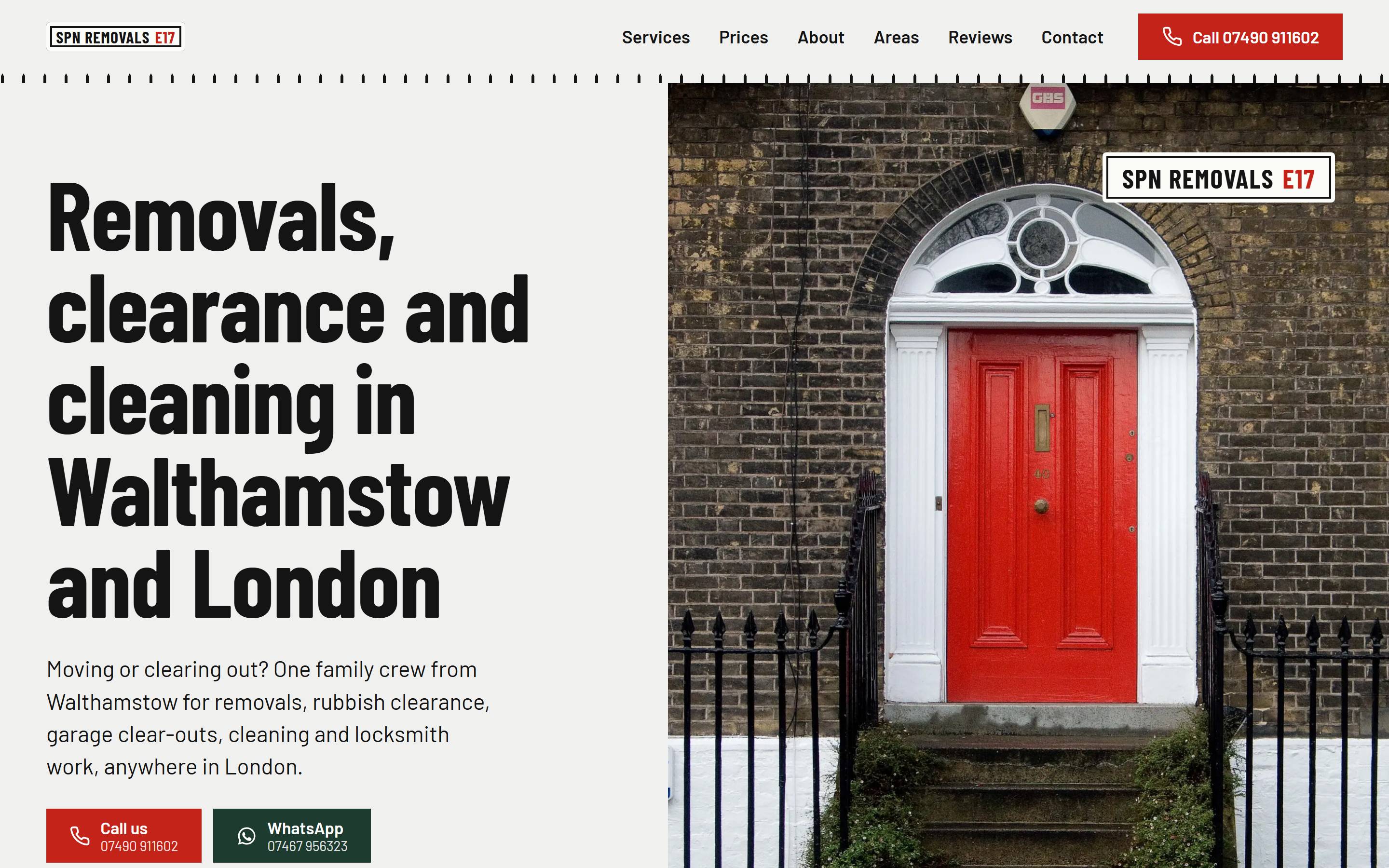
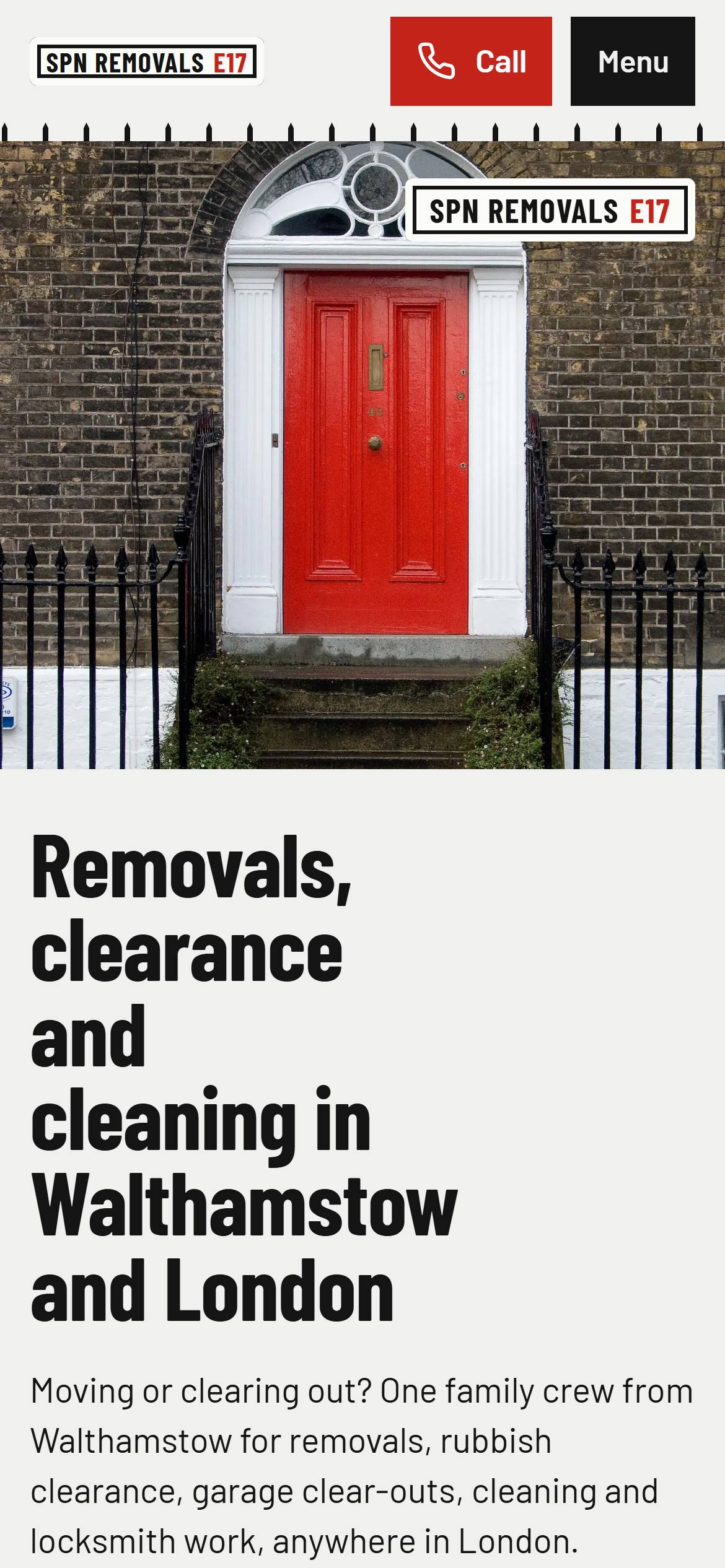
The closest example in our portfolio is SPN Removals, a London removals firm whose own locksmith changes and fits locks alongside moves and clearances. Its site gives lock changes their own page, keeps a call bar on screen on phones and counts every tap on Call and WhatsApp, so the owners can see how many people got in touch. For a locksmith the same set-up works as it is, with a short form for people who can’t talk right now.
What to prepare before the build
Bring your call-out and labour pricing, the areas you cover, your approvals and insurance details, and 15–30 photos of real jobs, you and your van. Access to your Google Business Profile helps, so hours, address and phone match everywhere. Once we have that, most sites go live in 7–10 days, on €0 upfront and €150 a month excl. VAT for 24 months (roughly £130 or $175).
See how the pay monthly website plan works, read our guide to small business website costs, or tell us about your business.